Excel convert currency
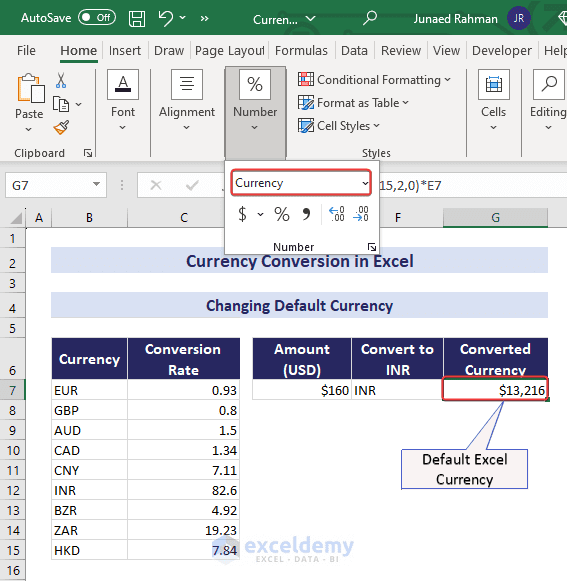
A basic spreadsheet conversion multiplies an amount by an exchange rate expressed in the correct direction. If A2 holds the amount and B1 holds target-currency units per one source-currency unit, =A2*$B$1 gives the converted amount.
Meaning and context
The dollar signs keep the rate cell fixed when the formula is copied down. The example describes arithmetic, not a current rate or a promise about a bank’s transaction price. Record the rate’s date and source when the sheet needs an auditable basis.
Examples and usage
Using an explicitly hypothetical rate of 1.20 target units per source unit, an amount of 100 converts to 120 target units. If the quoted rate is instead source units per target unit, divide by it rather than multiply.
What to check
Formatting a cell as currency changes its display, not its underlying currency or value. Actual transactions may include spreads and fees. Verify the direction, date, and purpose of the rate before relying on the sheet for a real payment.
Explore more: Math and Measurement
